San Andreas / Mod / Mod CLEO
GTA SA Myths | Hunting Mod 2020
- Fiven | caricato da Fiven
- 06/10/2020
- 10916 Download
Valutazioni:
Per favore, prima accedi.
Preferiti:
Videos
Non è ancora stato aggiunto alcun video.Devi aver effettuato l'accesso per aggiungere video a questa mod.
Descrizione
Hi!
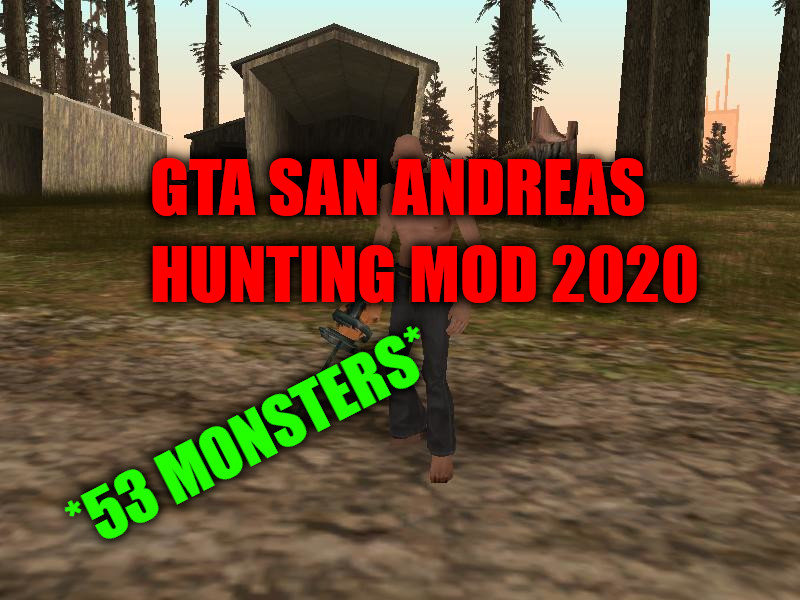
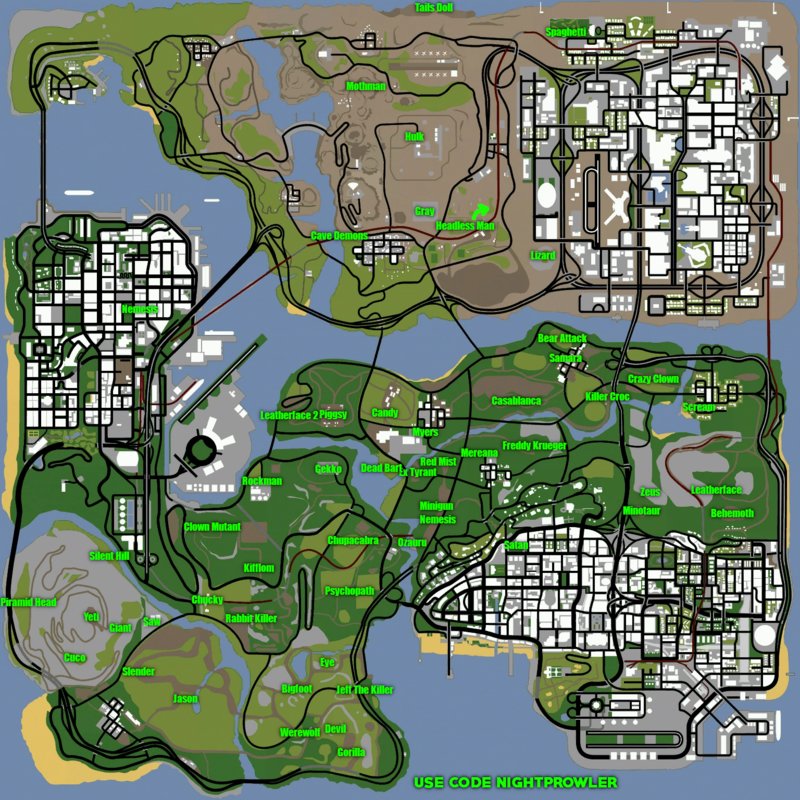
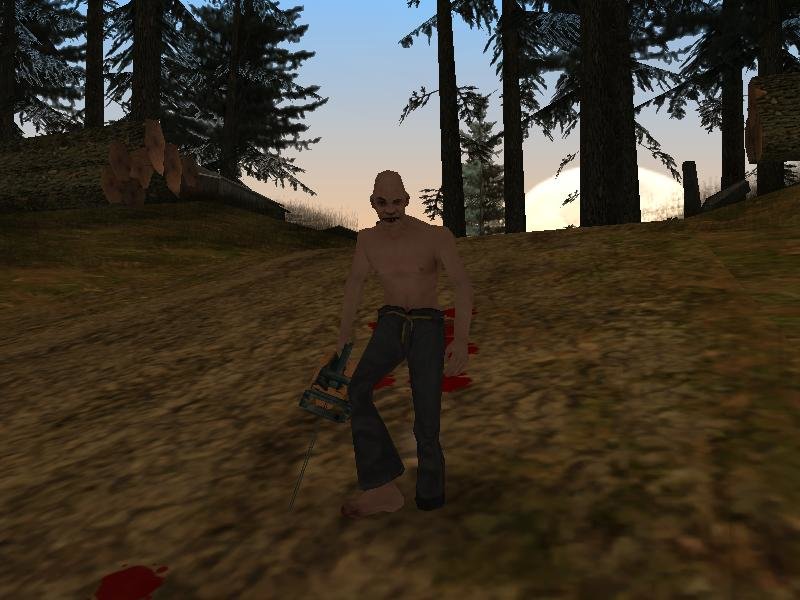
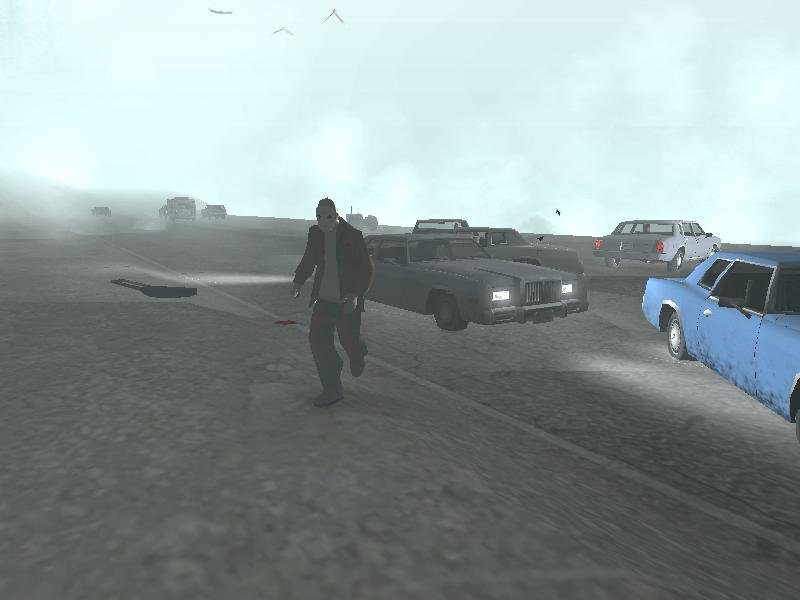
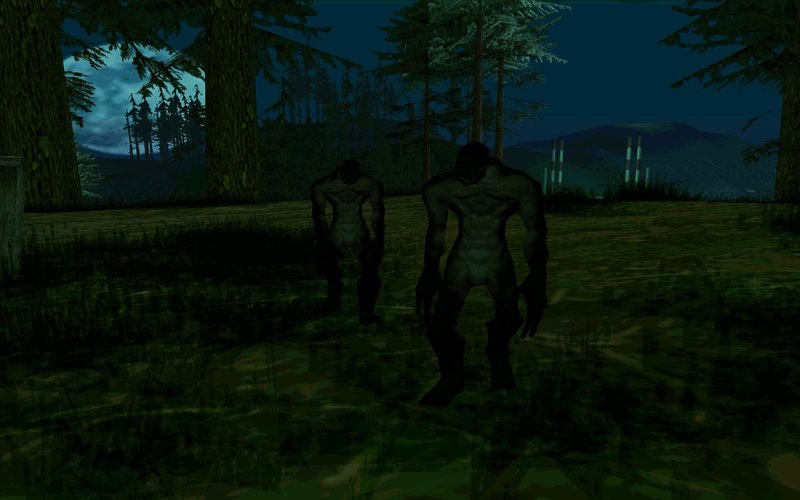
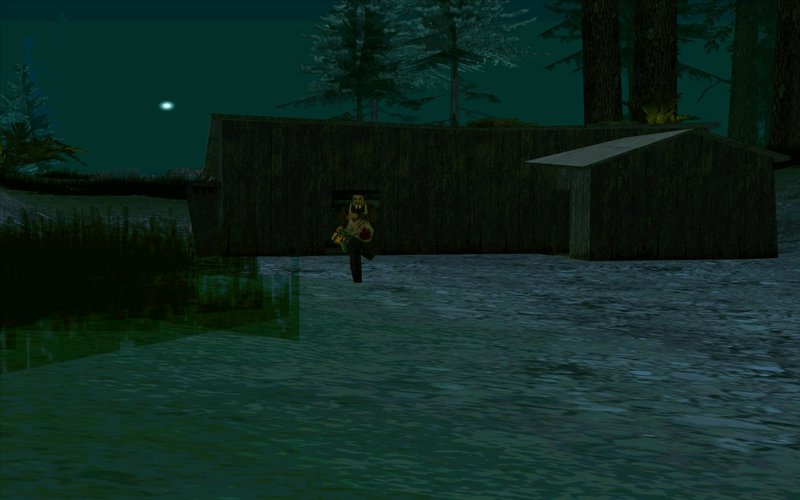
This is my first modification about Myths and Hunting in GTA SA! The mod contains 53 MONSTERS!!!! Dont wait and download!
The mod will be updated.
Have fun!
This is my first modification about Myths and Hunting in GTA SA! The mod contains 53 MONSTERS!!!! Dont wait and download!
The mod will be updated.
Have fun!
Commenti
Sono già stati pubblicati 12 commenti.







06/16/2020 11:00
@FivenBro, I did everything right, I’m youtuber myself and shoot mysticism about GTA San Andreas! I don’t know how, for some reason, it doesn’t work! Well, I'll try again! It's just that there are such awesome myths in shock, even the Hulk is in shock! Bro when the mod update will be ??

Cita | Rispondi
@FivenBro, I did everything right, I’m youtuber myself and shoot mysticism about GTA San Andreas! I don’t know how, for some reason, it doesn’t work! Well, I'll try again! It's just that there are such awesome myths in shock, even the Hulk is in shock! Bro when the mod update will be ??
Cita | Rispondi
06/14/2020 19:25
@abdurahmon345 You need to have CLEO 4. If you got this, put all the .cs files in the mod folder to the "cleo" folder in your game. Then, go to the cleo_text and put all the .fxt in the "cleo_text" folder. Then, you just need to put the "Themes" in cleo. Now you need IMG Tool. Open your gta3.img located in your game folder and add all the .dff's and .txd's to it. Then replace the models with the models i have put in "Replace in gta3". And all you need to do then is to click "Rebuild Archive", wait till it rebuilds and finally, exit IMG Tool.
If it still not works, i dont know what to do, sorry
Cita | Rispondi
@abdurahmon345 You need to have CLEO 4. If you got this, put all the .cs files in the mod folder to the "cleo" folder in your game. Then, go to the cleo_text and put all the .fxt in the "cleo_text" folder. Then, you just need to put the "Themes" in cleo. Now you need IMG Tool. Open your gta3.img located in your game folder and add all the .dff's and .txd's to it. Then replace the models with the models i have put in "Replace in gta3". And all you need to do then is to click "Rebuild Archive", wait till it rebuilds and finally, exit IMG Tool.
If it still not works, i dont know what to do, sorry
Cita | Rispondi