San Andreas / Auto / Ferrari
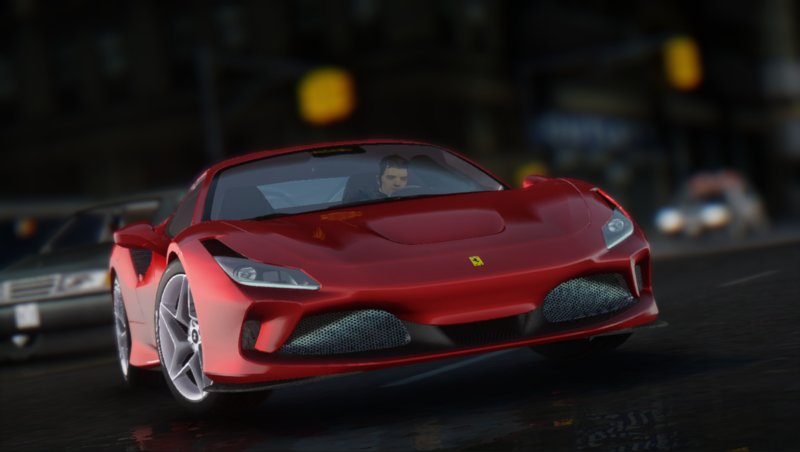
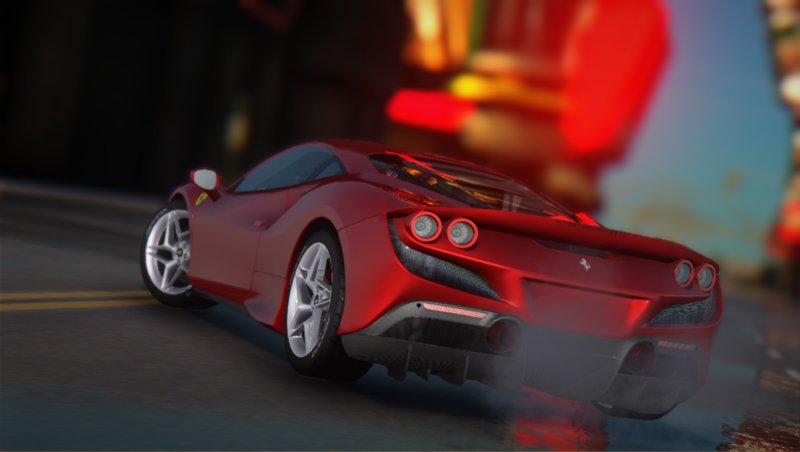
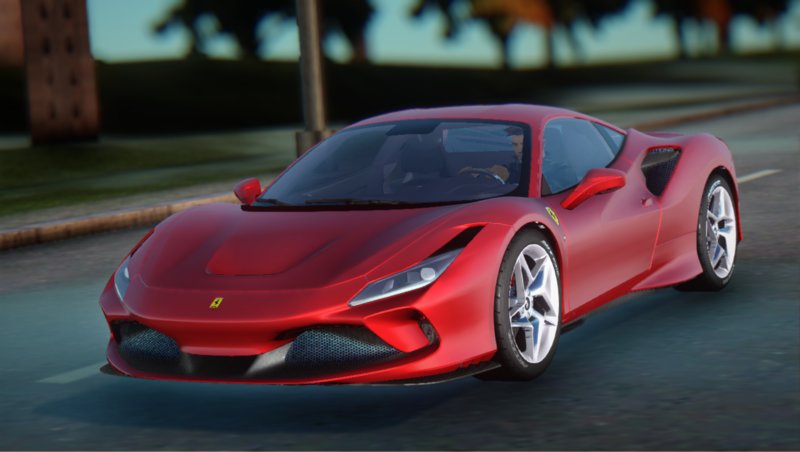
2019 Ferrari F8 Tributo
- Watanabe Works | caricato da tatara_hisoka
- 09/03/2019
- 45444 Download
Valutazioni:
Per favore, prima accedi.
Preferiti:
Videos

Devi aver effettuato l'accesso per aggiungere video a questa mod.
Descrizione
[CREDITS]
• Models : Real Racing 3
• Ripped : GM25
• Convert : Watanabe Works
[FEATURES]
• LQ Exterior
• LQ Interior
• 111.20% Scale Wheel
• SA Lights
• Caliper Brake
• Models : Real Racing 3
• Ripped : GM25
• Convert : Watanabe Works
[FEATURES]
• LQ Exterior
• LQ Interior
• 111.20% Scale Wheel
• SA Lights
• Caliper Brake
Commenti
Sono già stati pubblicati 21 commenti.











09/04/2019 19:34
@Ari2k3
I see, too bad for IVF there are such good models to be rescaled.
Anyway I tried every combination affect children, base pivot, unlinking etc etc but tires are always out of allignment. I wish there was a video or more explanation about rescaling cars..
Thanks anway
Best
Cita | Rispondi | (4)
@Ari2k3
I see, too bad for IVF there are such good models to be rescaled.
Anyway I tried every combination affect children, base pivot, unlinking etc etc but tires are always out of allignment. I wish there was a video or more explanation about rescaling cars..
Thanks anway
Best
Cita | Rispondi | (4)


09/04/2019 07:57
You must do this before adding any function like IVF OR Active dashboard, there must be only meshes no dummies, and if the wheel is missed up unlink it from wheel_rf_dummy. One more thing, try turning on affect children so it moves all parts linked to dummies.
Cita | Rispondi | (3)
Quote: felixfast
@Ari2k3
Thank you very very much for your tip I was looking for this for years..
But there is an issue, when I do as your it all the tires go out of alignment and IVF gets messed up.
Can you also give me and advice about these issues??
Thank u very much
You must do this before adding any function like IVF OR Active dashboard, there must be only meshes no dummies, and if the wheel is missed up unlink it from wheel_rf_dummy. One more thing, try turning on affect children so it moves all parts linked to dummies.
Cita | Rispondi | (3)


09/03/2019 18:35
PRO TIP: You can re-size it easily on zmodeler, so firstly click show all, secondly click Select-All then right click on model, also select mode need to be turned on, finally go to modify-----> scale and point the arrow on model then hold on CTRL+LEFT Click then quick scale window pops up......
Cita | Rispondi | (4)
PRO TIP: You can re-size it easily on zmodeler, so firstly click show all, secondly click Select-All then right click on model, also select mode need to be turned on, finally go to modify-----> scale and point the arrow on model then hold on CTRL+LEFT Click then quick scale window pops up......
Cita | Rispondi | (4)