GTA V / Mod / Modifiche
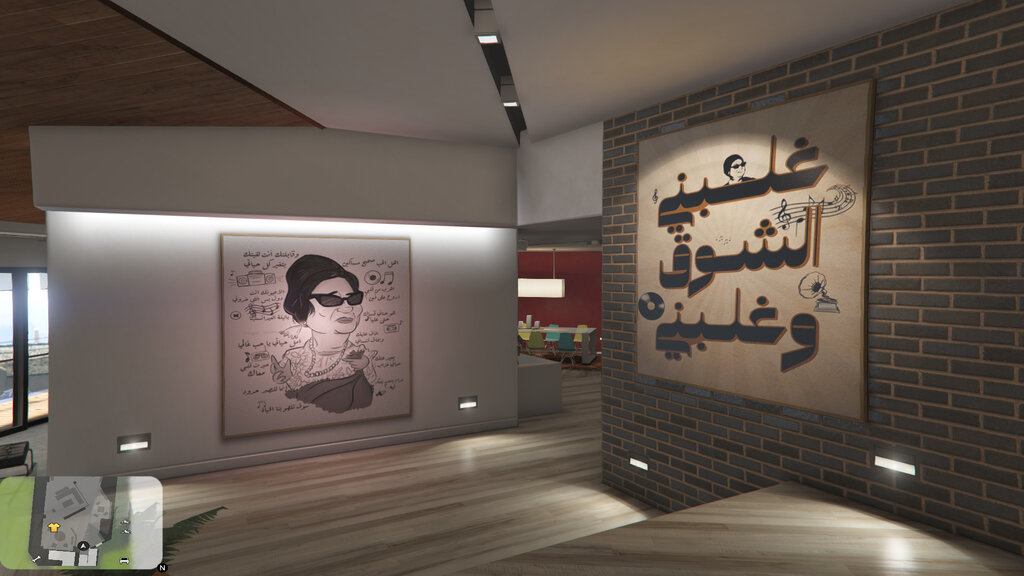
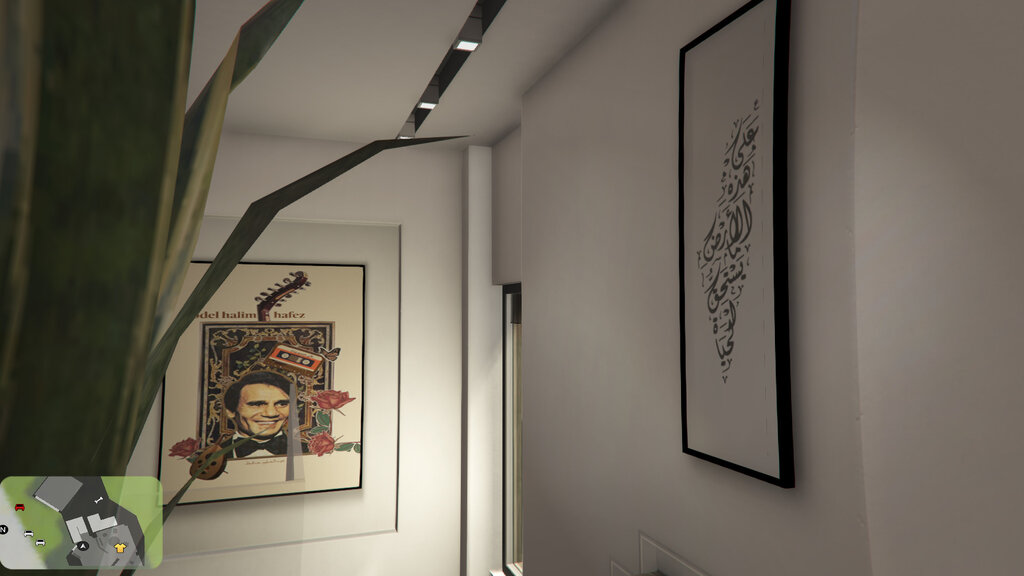
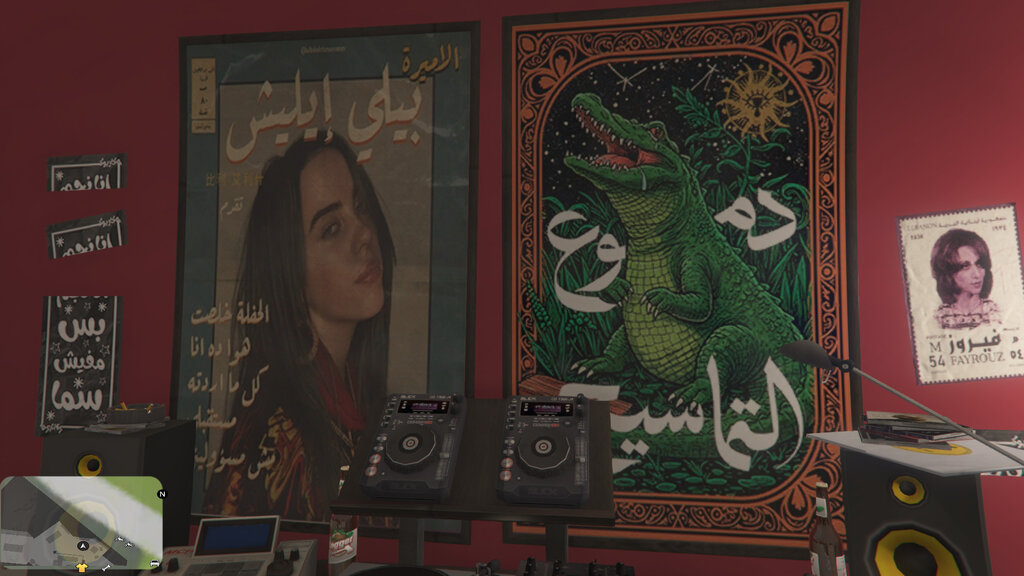
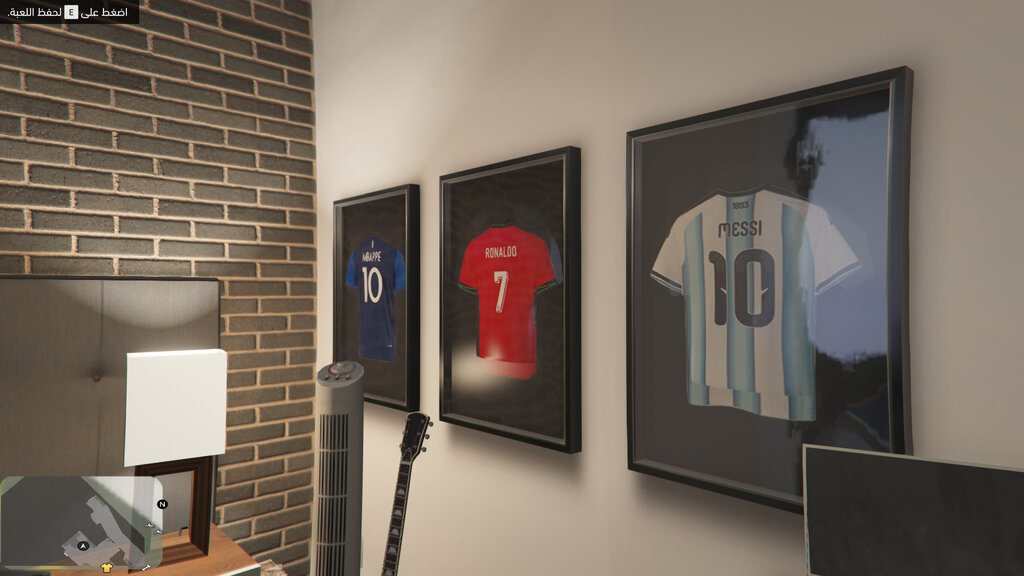
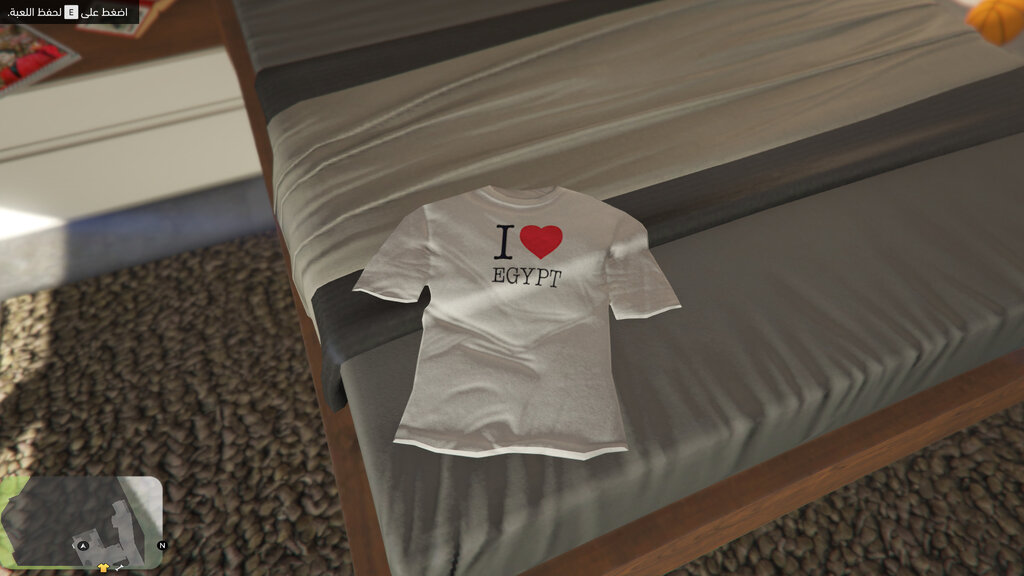
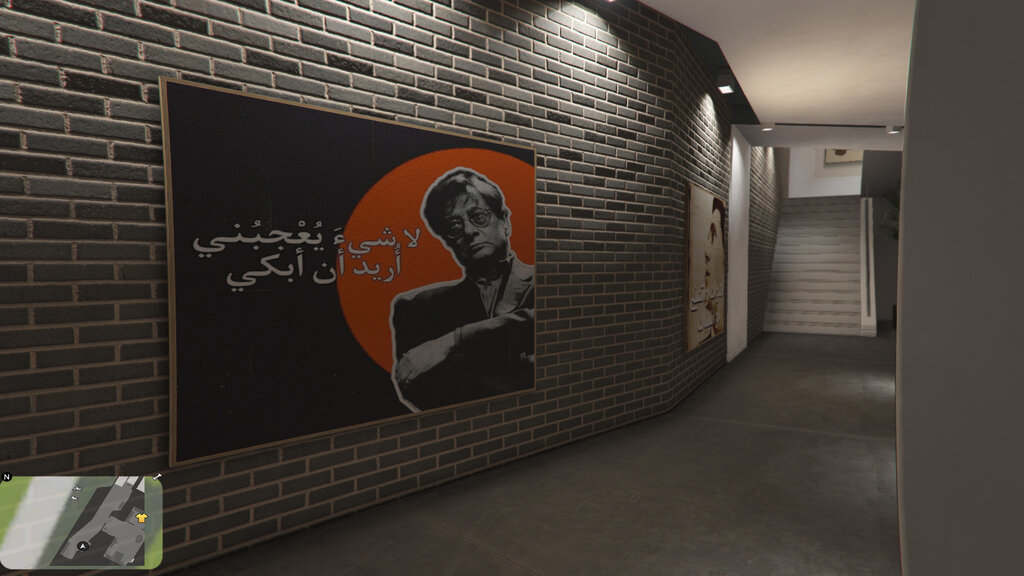
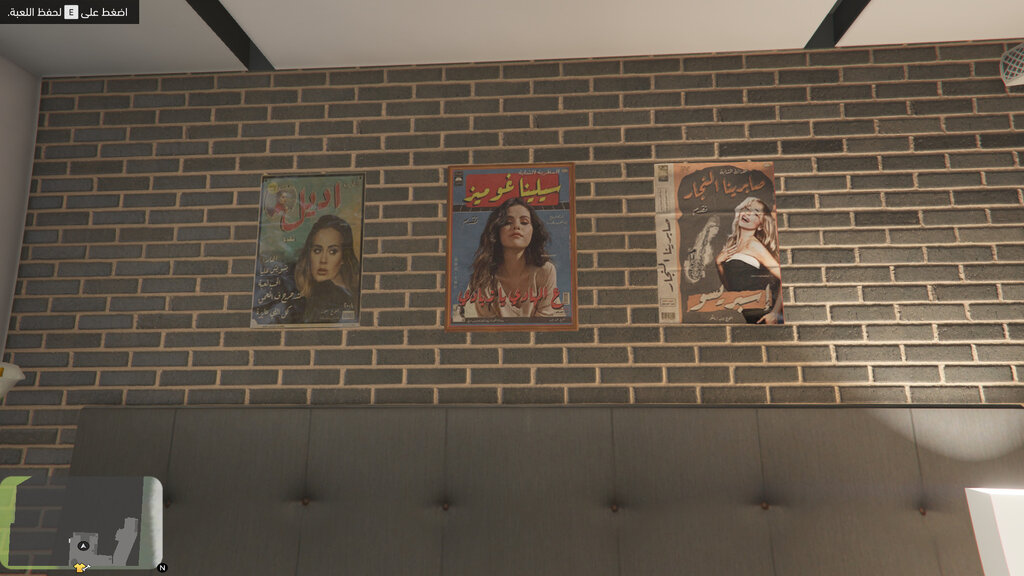
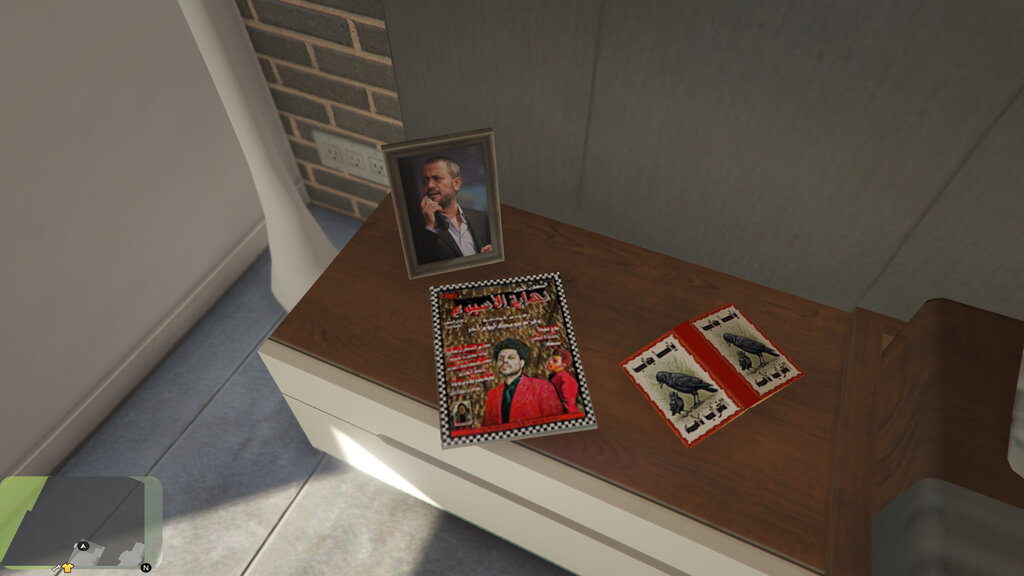
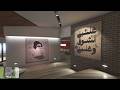
Franklin's Arab Pop Art Interior
- NanaTamari | caricato da NanaTamari
- 09/24/2026
- 65 Download
Valutazioni:
Per favore, prima accedi.
Preferiti:
Videos
Devi aver effettuato l'accesso per aggiungere video a questa mod.
Descrizione
Welcome to Franklin's Arab Pop Art Interior
Installation Guide:
We have two main files:
1 - ytd file
2 - ydr file
How to install the ytd file:
1- Open OpenIV and enable Edit Mode.
2- Go to the following path:
mods > x64h.rpf > levels > gta5 > interiors > v-int-24.rpf
3- Open the provided folder (ytd file), select all its contents, and drag & drop them into the path.
How to install the ydr file:
1- In the same path, right-click on any empty space.
2- Select Import openFormats.
3- Go to the provided folder (ydr file).
4- Select (only) the files with the odr extension, then click Open and then OK.
And that's it! The modifications have been added successfully.
Thank you!
Edited by: Nai Tamari
Commenti
Sono già stati pubblicati 0 commenti.