GTA III / Auto / BMW
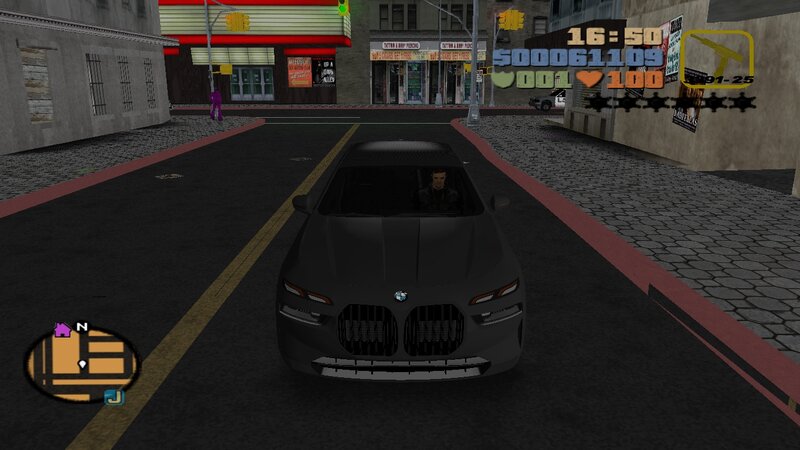
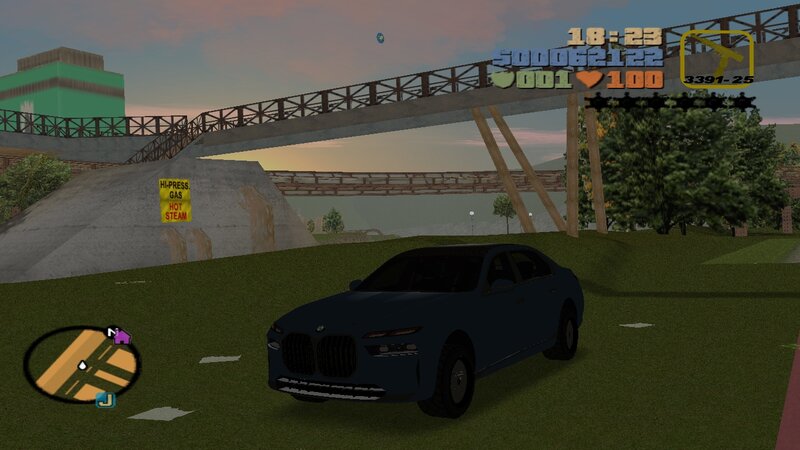
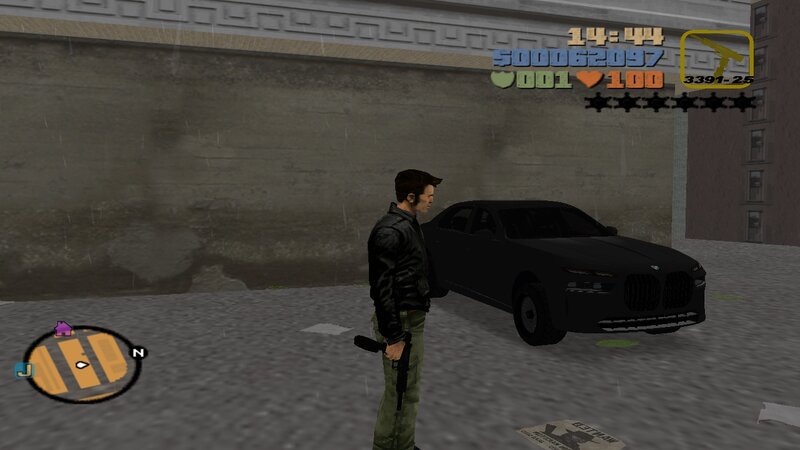
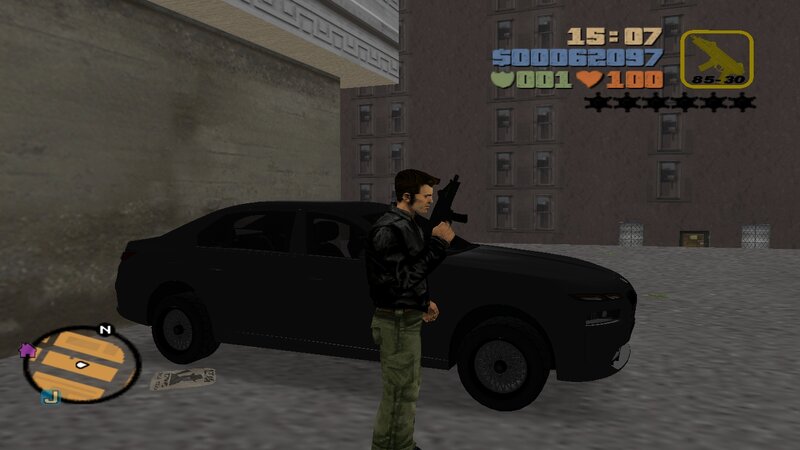
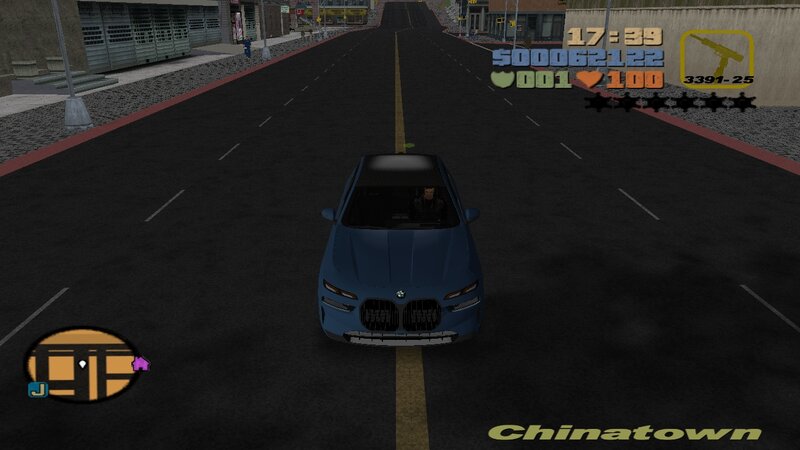
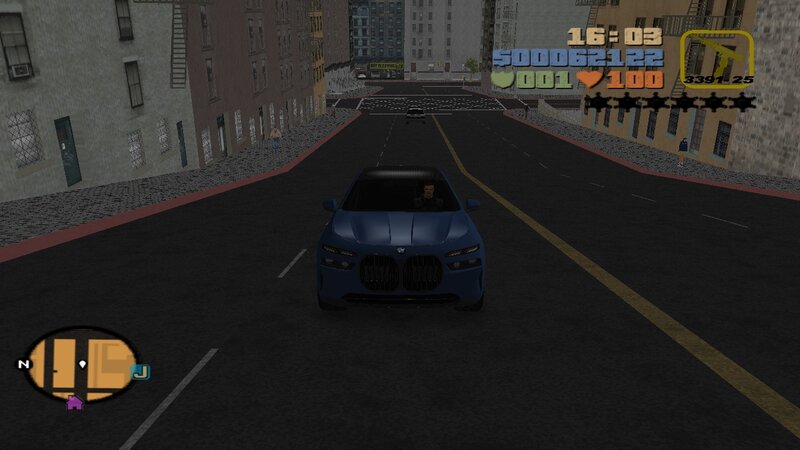
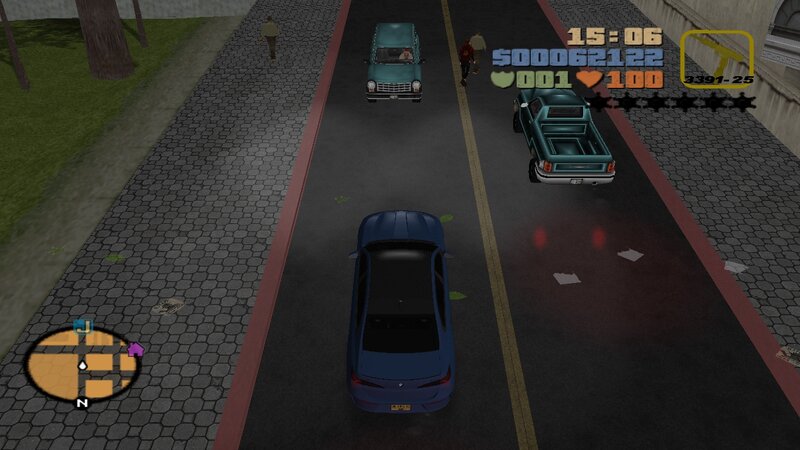
BMW 7 Series (G70) 760i xDrive
- N4SPEED GTA | caricato da N4SPEED GTA
- 04/13/2026
- 2762 Download
Valutazioni:
Per favore, prima accedi.
Preferiti:

Video
Non è ancora stato aggiunto alcun video.Devi aver effettuato l'accesso per aggiungere video a questa mod.
Descrizione
BMW 7 Series (G70) 760i xDrive for GTA III.
FEATURES:
-High quality models and textures.
-Improved handling for the new car.
-Cars to replace: Sentinel, Kuruma, Mafia Sentinel.
INSTALLATION INSTRUCTIONS:
-With "Txd Workshop" locate the game's installation folder and move to "models",Open the file "gta3.img" and replace "mafia.dff & mafia.txd".
-Use "Txd Workshop" again to open the file "txd.img",find and replace "mafia.txd".
-Go to folder "models\generic" and replace "wheels.DFF & MISC.txd".
-After That go to folder "data",open the file "handling.cfg" with "Notepad" and replace the handling line "MAFIA" with the new.
-Launch the game and enjoy with your new car!
NOTES:
-Make a backup copy of your game files before installing the mod.
-Make sure you follow all the steps correctly to avoid errors in the game.
Commenti
Sono già stati pubblicati 0 commenti.